Coach like you're
in the room.
Your athlete's handstands and full training log flow straight to their Google Drive. Each set is marked with how intense it was. The clips and their feedback give you the data to continually adapt their plan — they import the updated routine in a tap with our AI importer.
One loop, every week.
They train
Phone propped up. Every handstand is caught, timed, and form-scored — automatically.
It lands in their Drive
Clips and the whole training log upload to a folder they share with you, filed by week.
You adapt
Watch the form, read the effort, and see what to push and what to ease off — they import next week in a tap.
Then repeat — every week.
See every rep, without being in the room.
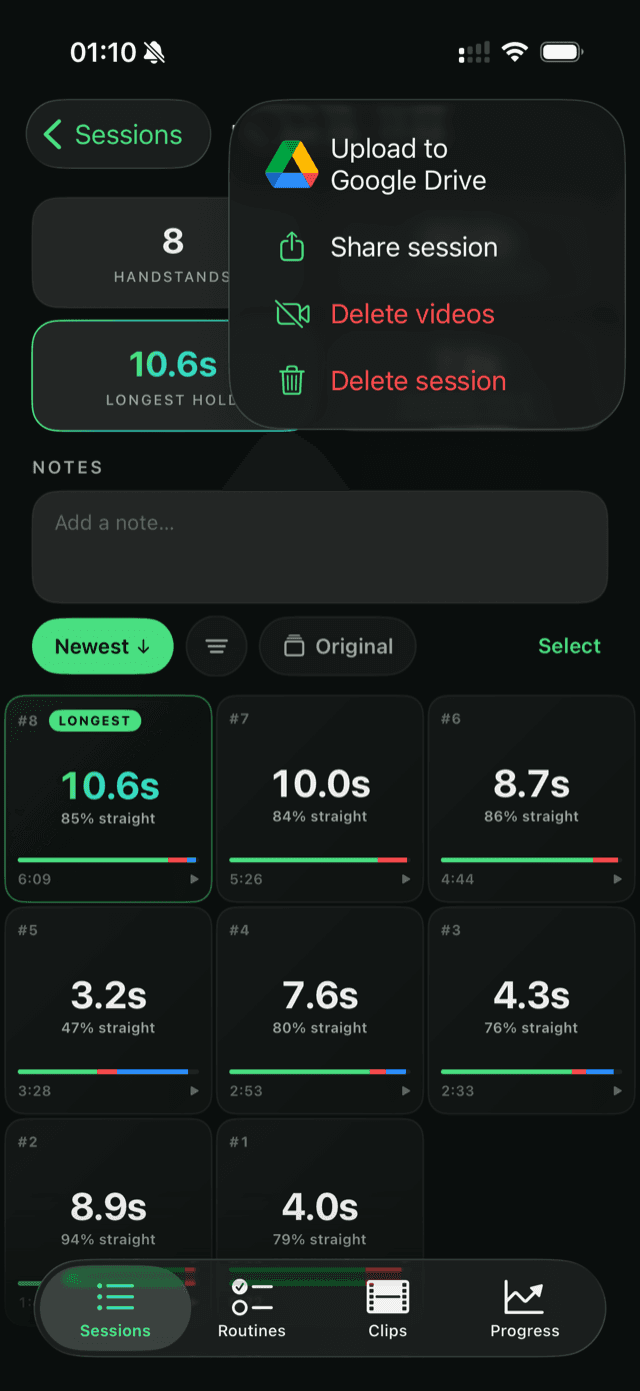
Your athlete props up their phone and trains. Each handstand is caught, timed, form-scored, and saved as its own clip — then uploaded to their Google Drive, in a folder they share with you. No scrubbing through camera rolls, no chasing them for videos. Open the folder and play the week back.
Read the effort. Watch the rep.
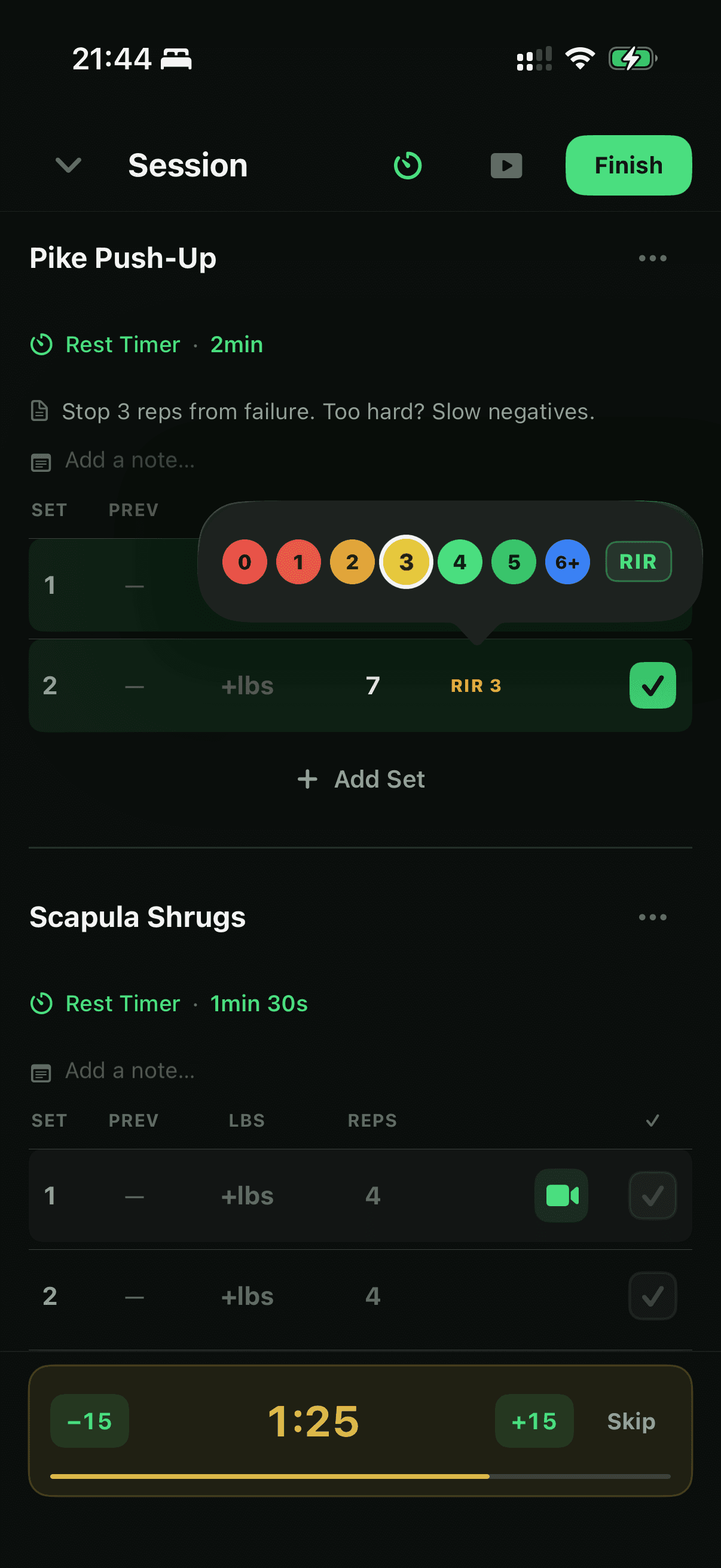
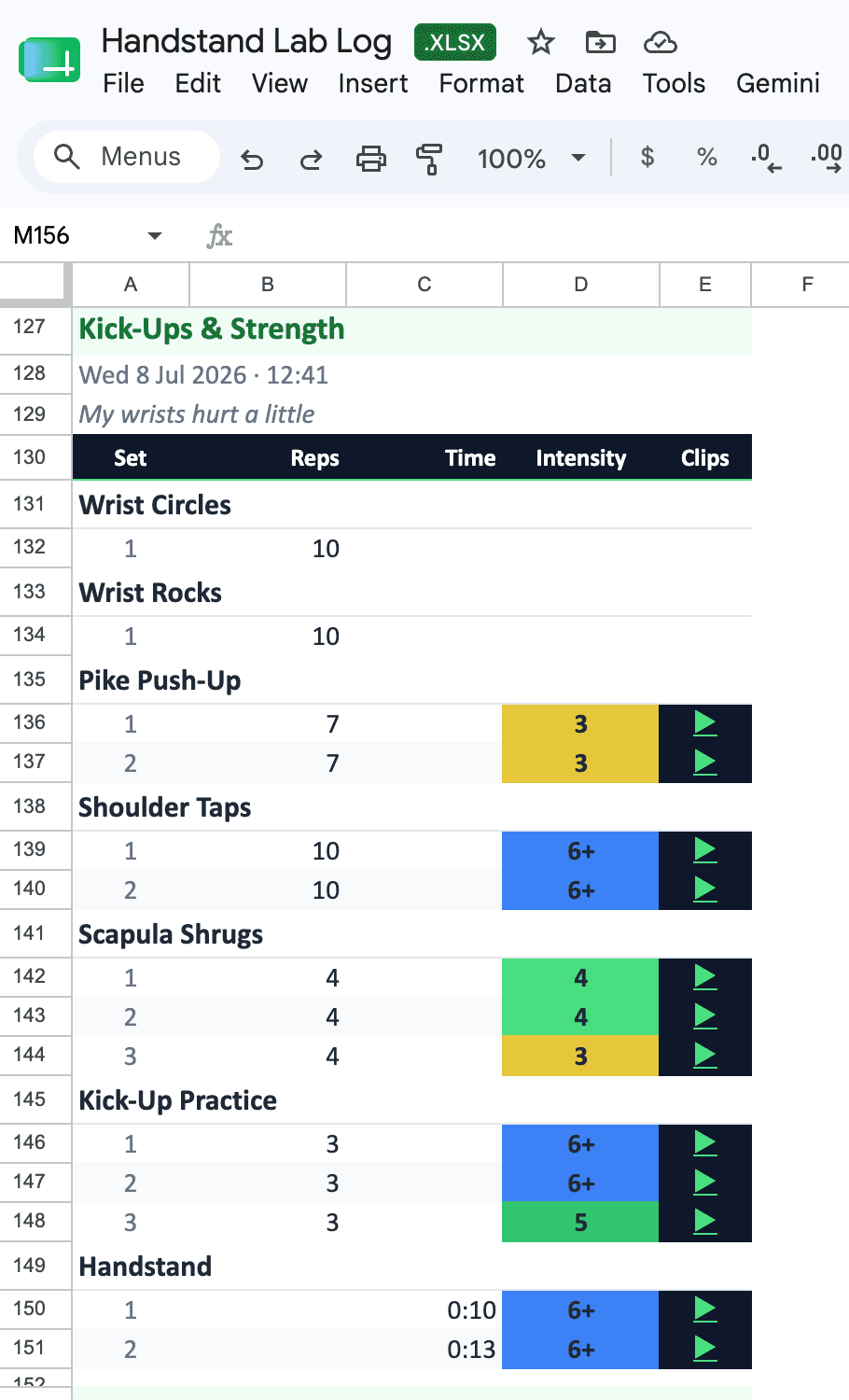
Every set carries how close to failure it was — reps in reserve for lifts, seconds in reserve for holds — all color-coded in a spreadsheet in their Drive. Green is comfortable, red is at failure: you see which exercises have gone too easy and need more load, and which are grinding and should ease off. And every filmed set links straight to its clip — one click, and you're watching the rep. The read you'd normally only get standing next to them.
Write it in any format. They import it in a tap.
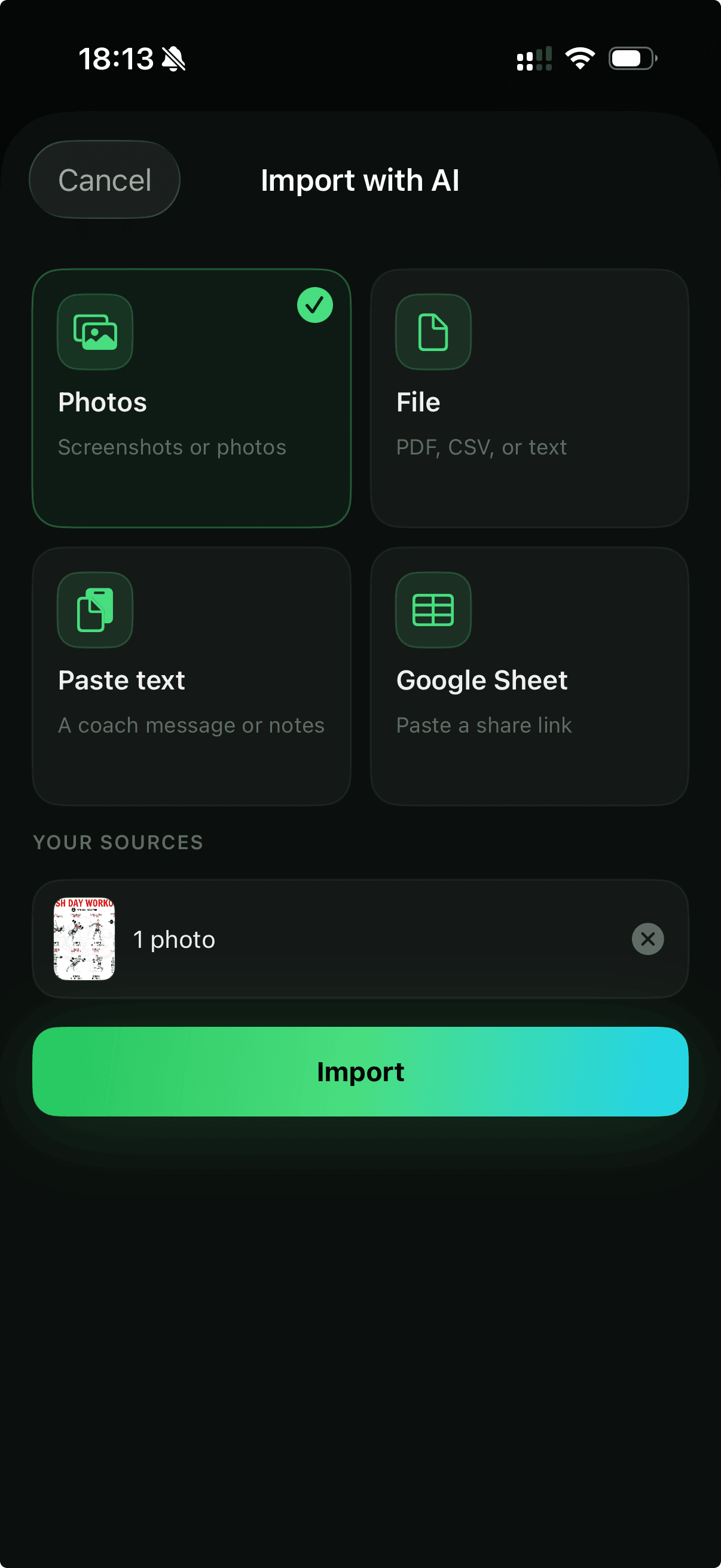
A text, a photo of your notebook, a spreadsheet, a Google Sheet, a PDF — send next week's program whatever way is easiest for you. Your athlete drops it into Handstand Lab and AI import turns it into a ready-to-run routine, handstands and all. Nothing retyped.
Start the loop.
Get your athletes on Handstand Lab and have them share a Drive folder — then coach them online as closely as you would in person. One athlete or a whole roster; we'd love to help you set it up.
Free in early access · iPhone